Amazon Fire TV
Fire TV Stick, Cube & Smart TVs
 BestStream TVBuilt for your TV remote
Your watching companion
Turn the playlist from your provider into a polished big-screen experience—with a real guide, catch-up, movies, series and sports in one place.
No account or credit card required. Your first 7 days are completely free.
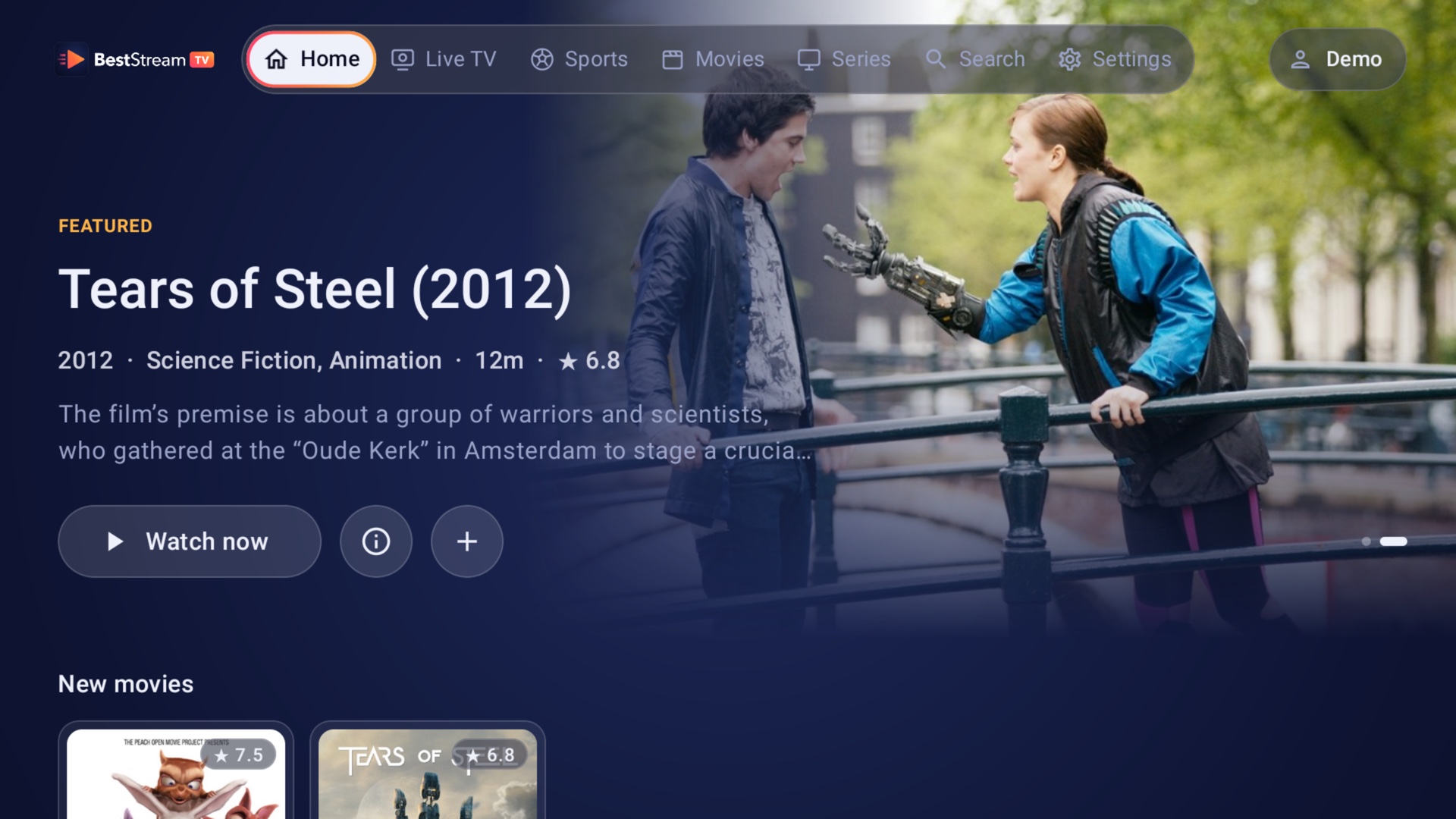
One player, every screen
Available today on Amazon Appstore, Android TV, Google TV, phones and tablets. More living-room platforms are on the way.
Fire TV Stick, Cube & Smart TVs

Sony, TCL, Hisense, Shield TV, Chromecast
Phones and tablets, Android 7+

Tizen 5.0 and newer

Roku Express, Streaming Stick, Roku TV

Designed for webOS televisions
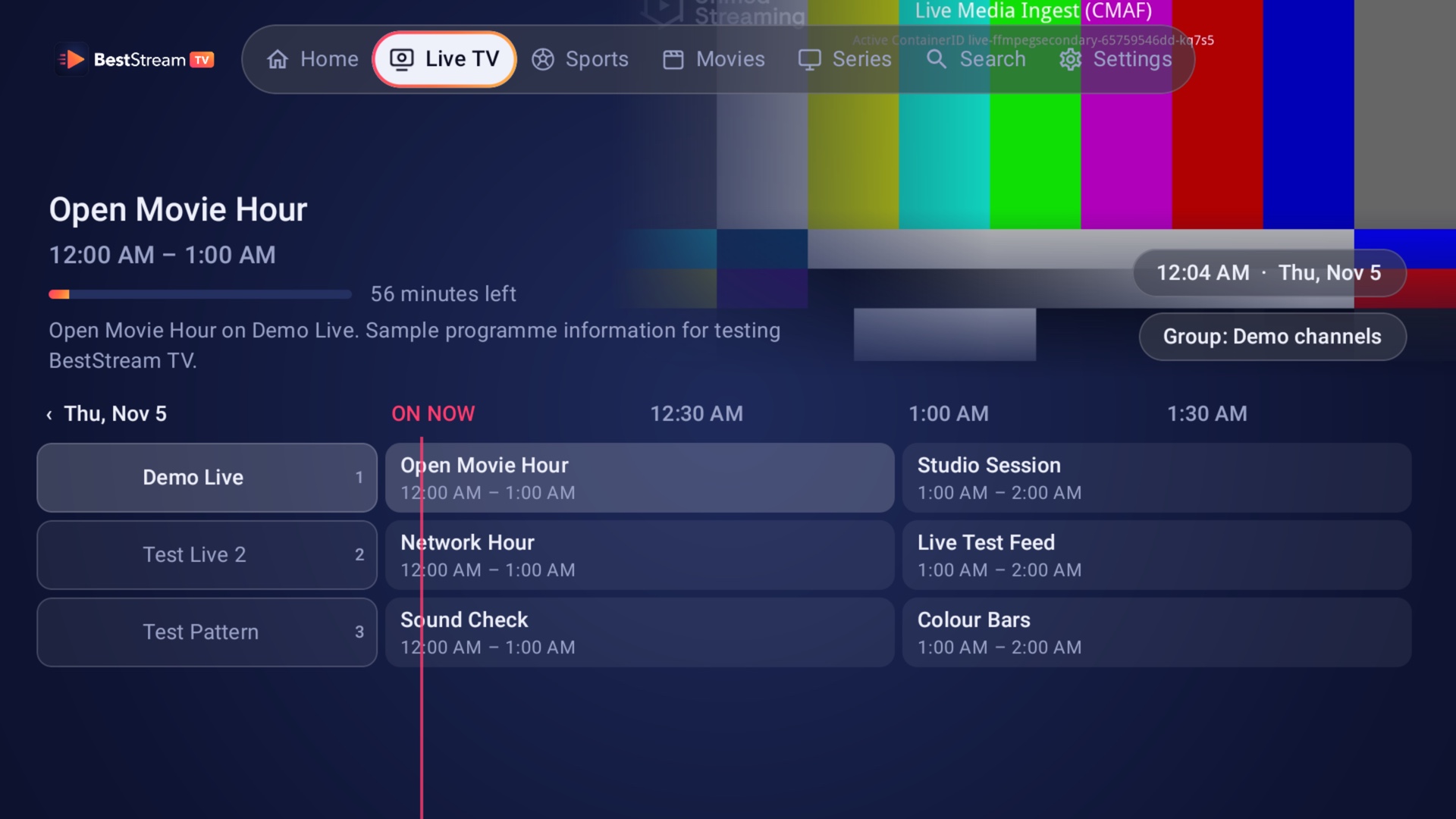
Live TV
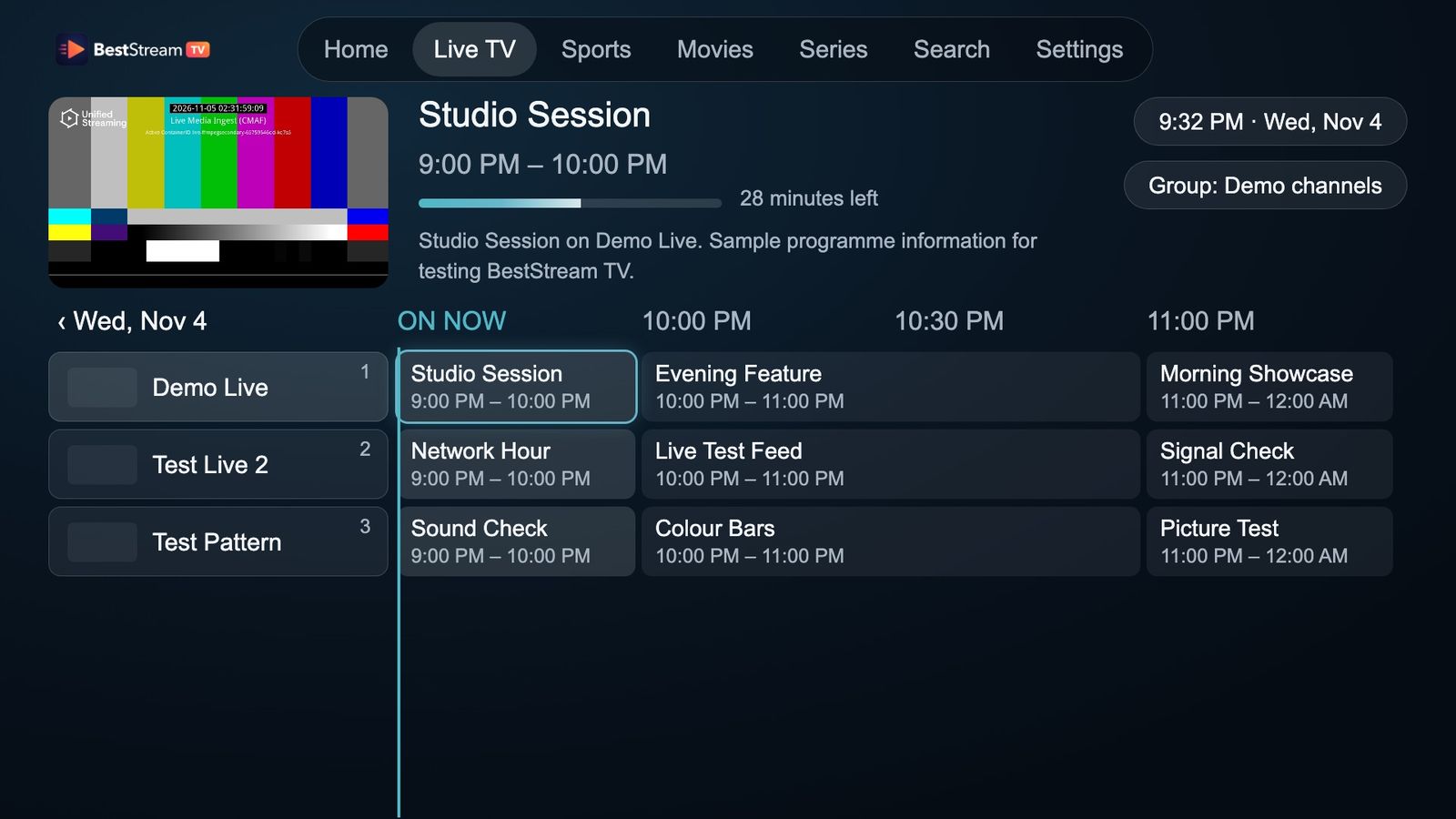
A full seven-day guide puts every channel, programme and start time in one quick view. Preview the channel while you browse and jump back to catch-up where your provider supports it.
Movies & series
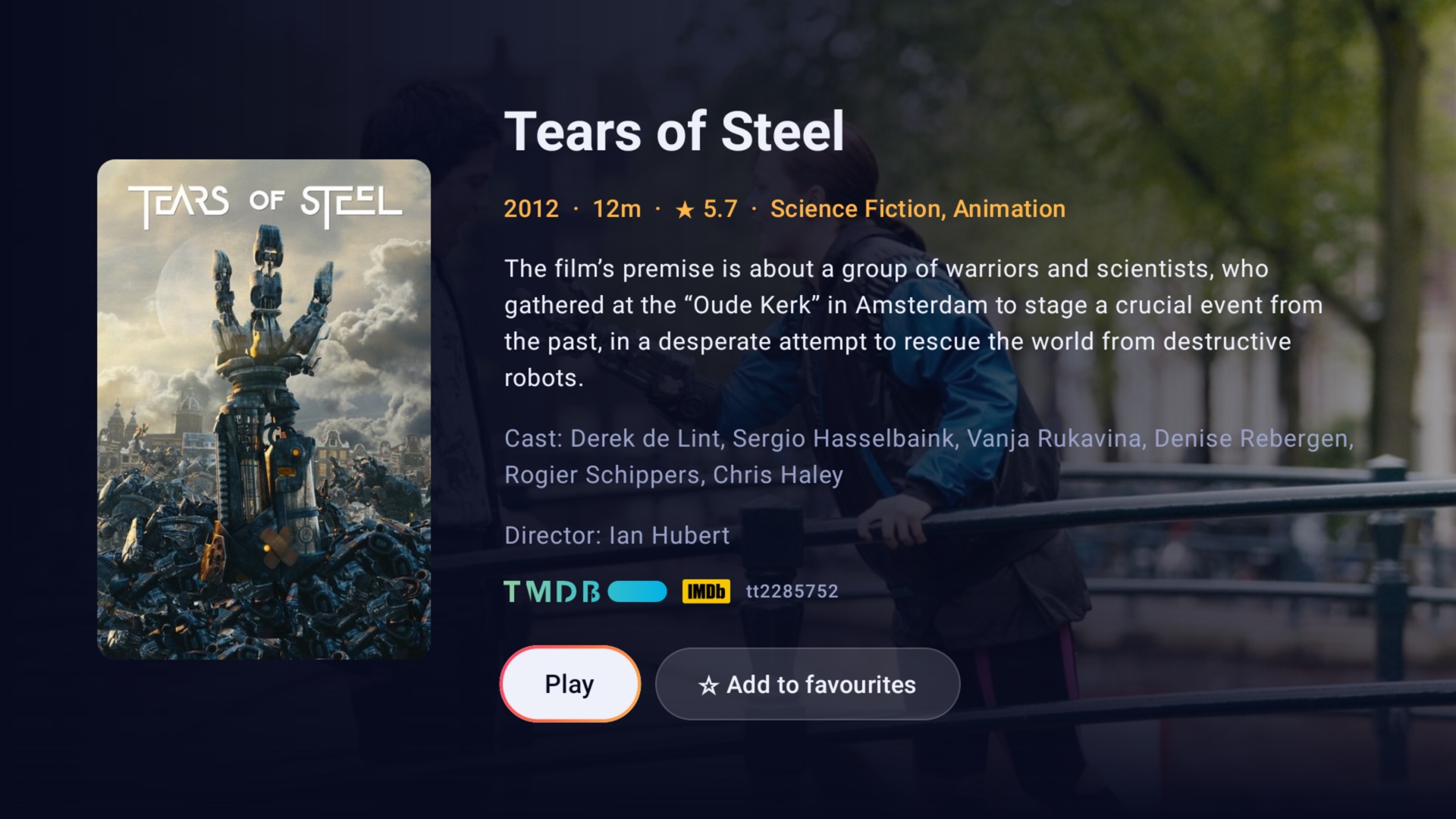
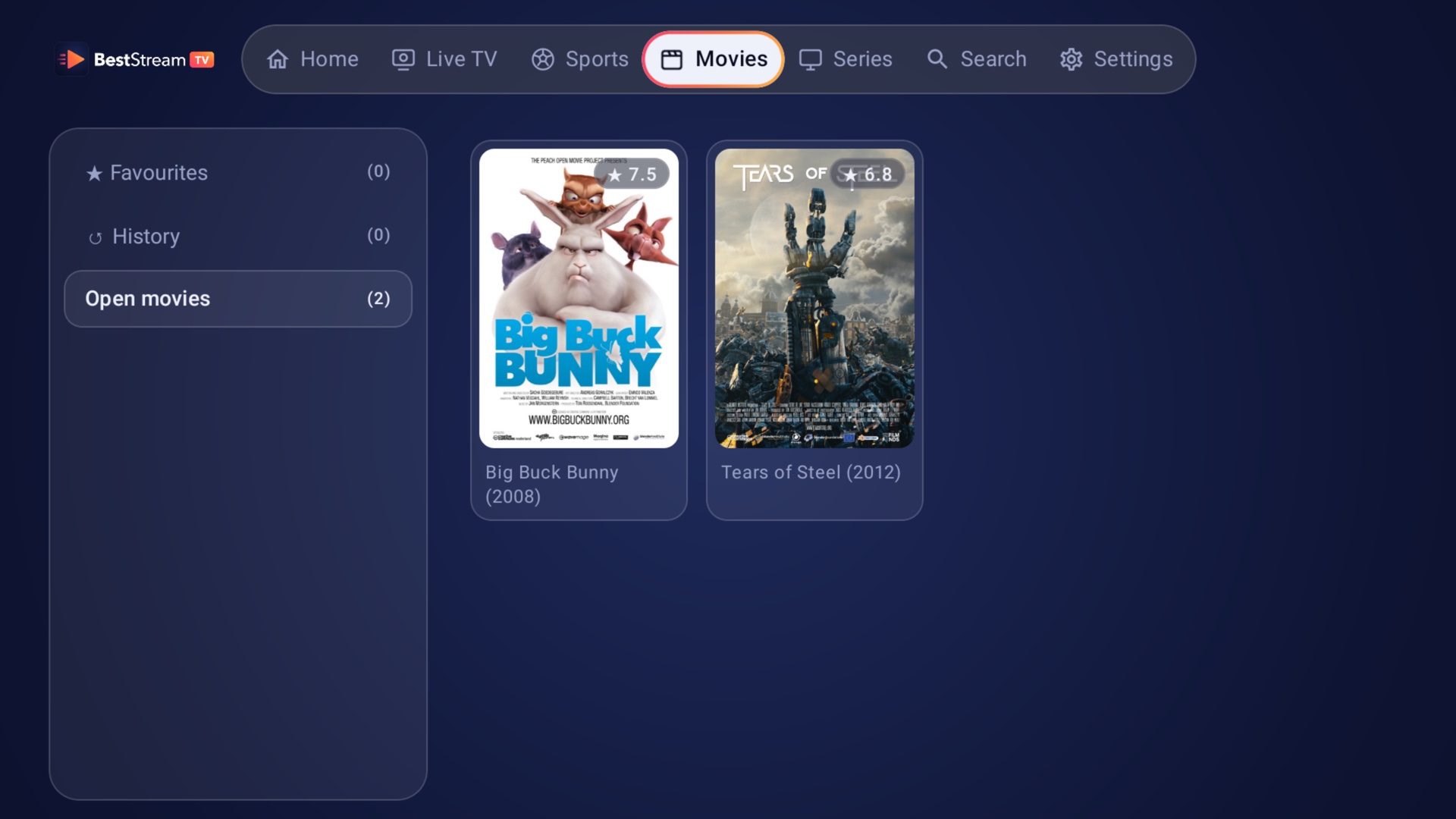
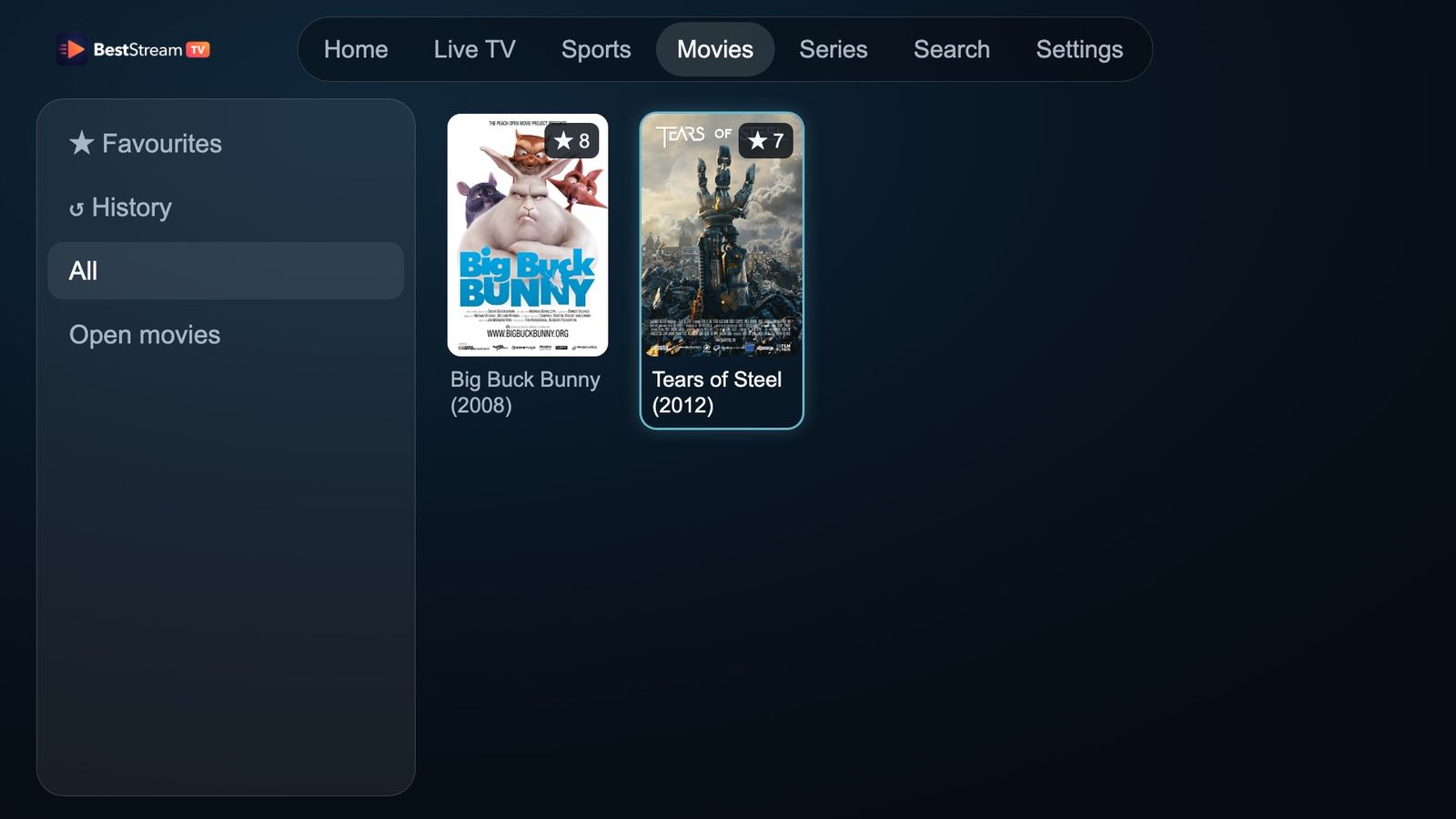
Browse the content already in your playlist through posters, plots, cast details and seasons. Search across everything at once and keep favourites close.
Built for live
Every screen is designed around the D-pad. Favourites stay at the top, sports are easy to find, and multi-view lets supported Android TVs play up to four channels at once.
One or two clicks from browsing to watching.
Matches paired with channels from your playlist.
Keep an eye on every game with multi-view.
Inside the app
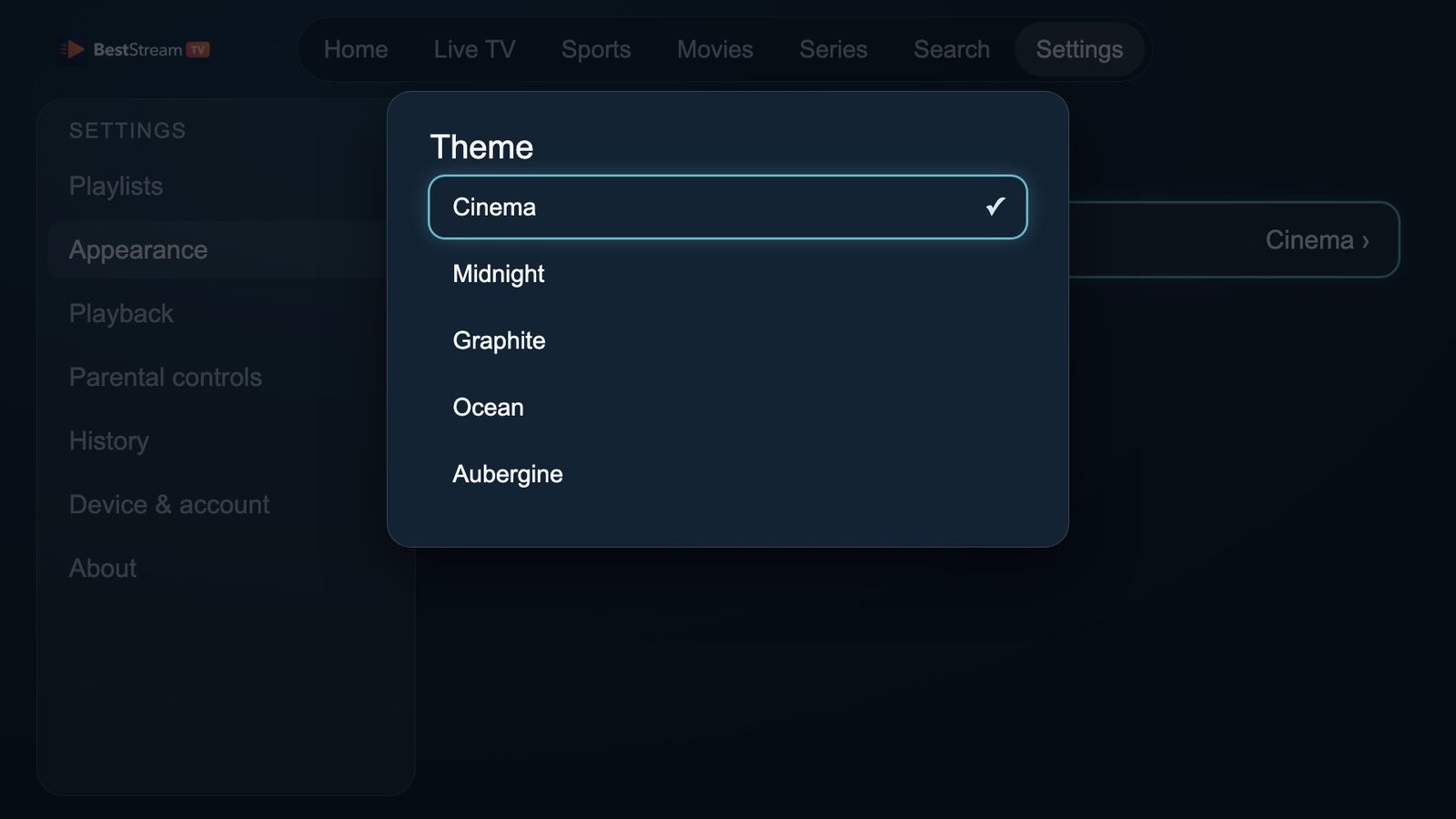
Captured from BestStream using our demo playlist. Your provider’s channels and films fit the same experience.
Start watching
Install BestStream, open it once, then add the playlist from your provider on the TV or at beststreams.net/activate.
Fire TV users can install directly from the Amazon Appstore or enter beststreams.net/beststream.apk into Downloader.
Simple activation
Every device starts with seven free days. Keep watching with a one-year or lifetime device activation.
Try it
Stay flexible
Keep it
Selling BestStream TV? Reseller sign in →
Good to know
Search for "BestStream Player" directly on your Fire TV Appstore, or send it to your device from the Amazon Appstore. You can also sideload the latest version using Downloader with the URL beststreams.net/beststream.apk.
No. BestStream is a player only. You add a playlist from your own provider and are responsible for the content source.
Xtream Codes works across BestStream apps. M3U links currently play on Samsung TV, with Android support on the way.
Activations belong to a device, so each TV or streaming stick needs its own activation.
No. Reinstalling on the same device restores its device identity, activation and playlists.
Use Settings → Playlists in the app, or edit it online at beststreams.net/activate.